Did you know that there is a right way and a wrong way to send assignment links to students?
 Steve Bentley
 There are several ways to copy a link to an assignment to send it to students. Sadly, one of the most obvious ones doesn’t work.
This is the wrong way to do it: If you right-click and copy the link from the Assignments area in the Feedback menu or Module Admin, you will copy a link to the inbox where staff the work, which will show students an error message.
To create a link that works, there are a couple of right ways:
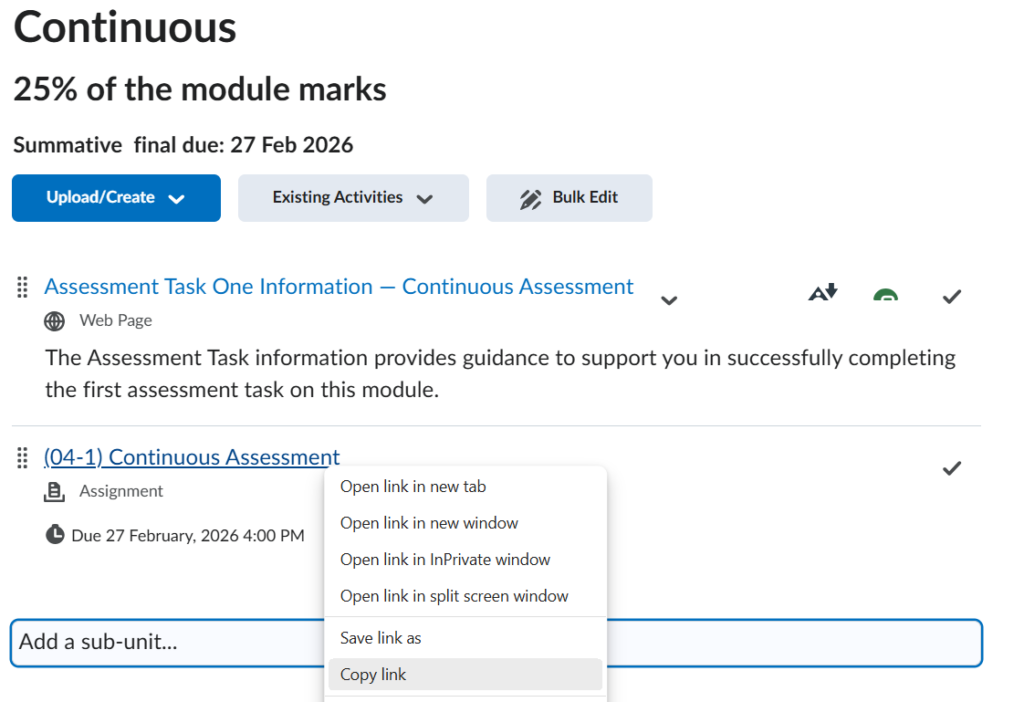
For situations outside of Brightspace, once you have added the assignment link to the Assessments area in Content (using the Existing Activities menu), you can copy this link and it will work for students.
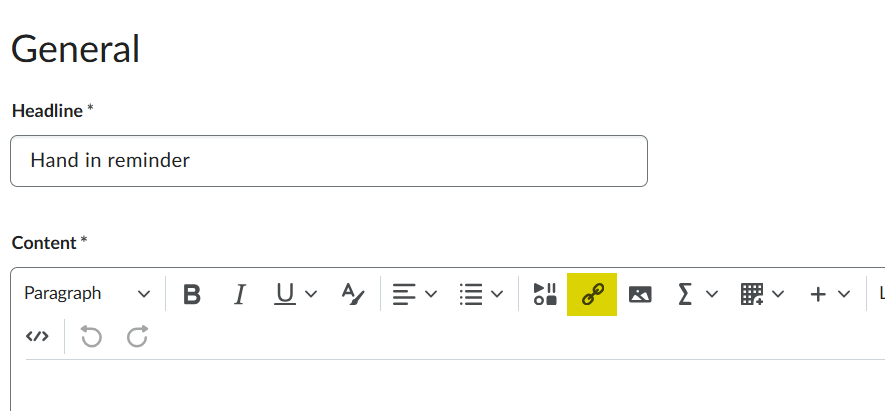
Alternatively, if you are creating an announcement or sending an email directly from Brightspace, use the link tool and select Assignments.